Time: 12 hrs 40 mins
Software: IbisPaint
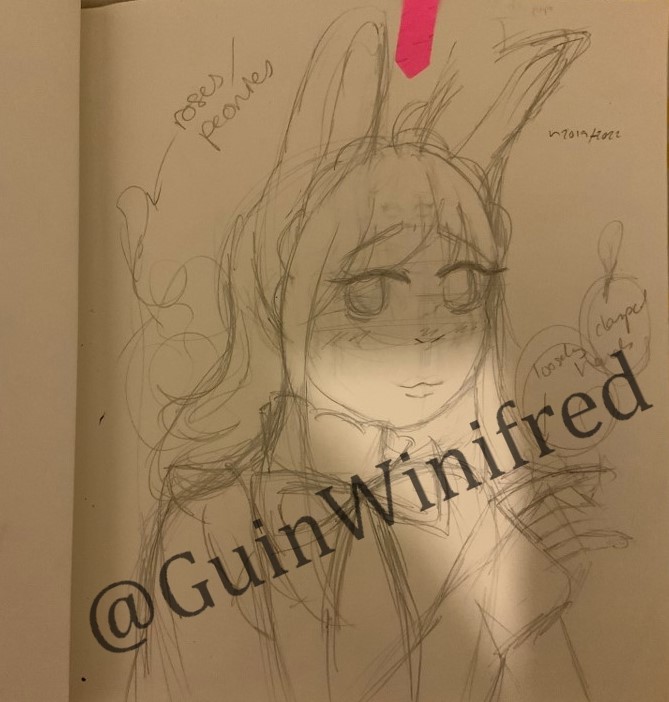
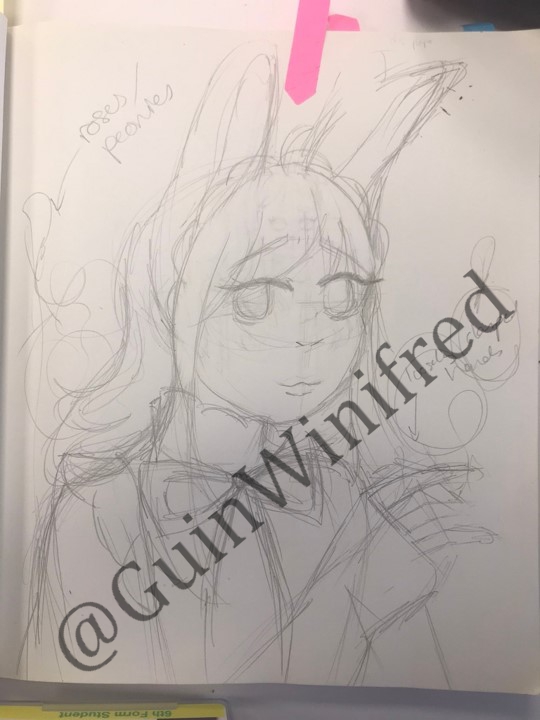
This drawing was for a Draw This In Your Style Challenge by da_pippo on Instagram. I originally planned to finish this around 2019/2020 but life got in the way and I ended up finishing it this year. The unedited picture of the original sketch is on the left. The picture on the right has been brightened and the shadows have been removed.
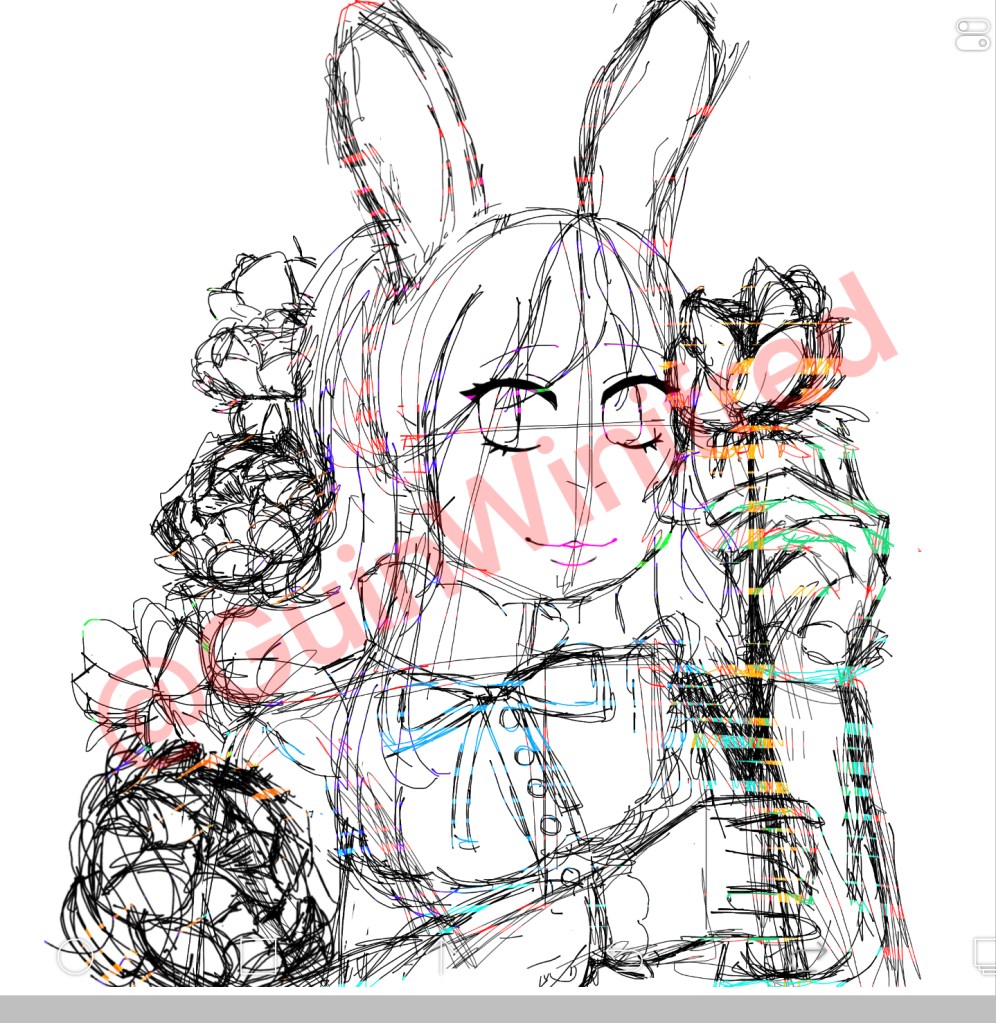
I sketched over the picture and added in the peonies and hands.
After making the sketch, I made the whole sketch black so it was easier to see when working on the next sketch.
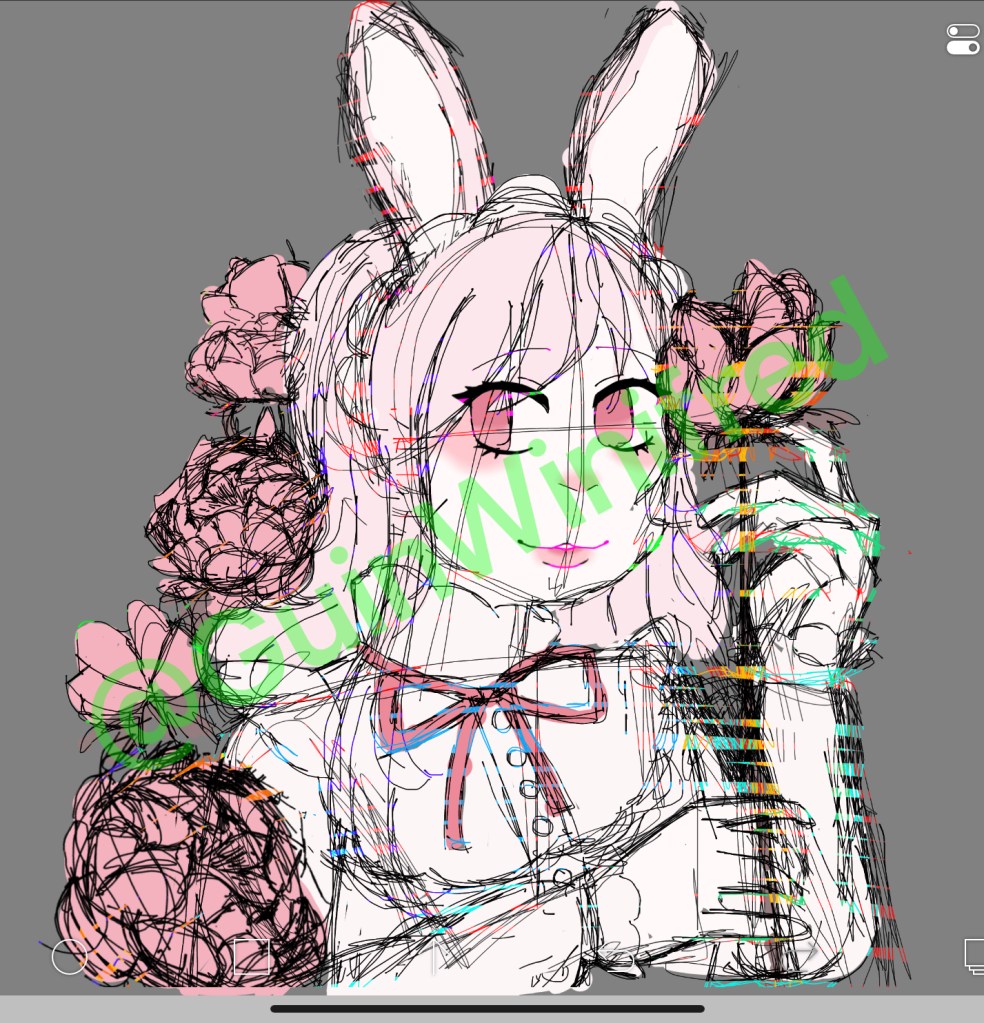
I roughly placed the colours from da_pippo’s drawing onto my sketch (on another layer of course). I found that the colours of the rabbit girl were too similar to each other so I tweaked the colours a few times during this whole drawing process to create contrast.
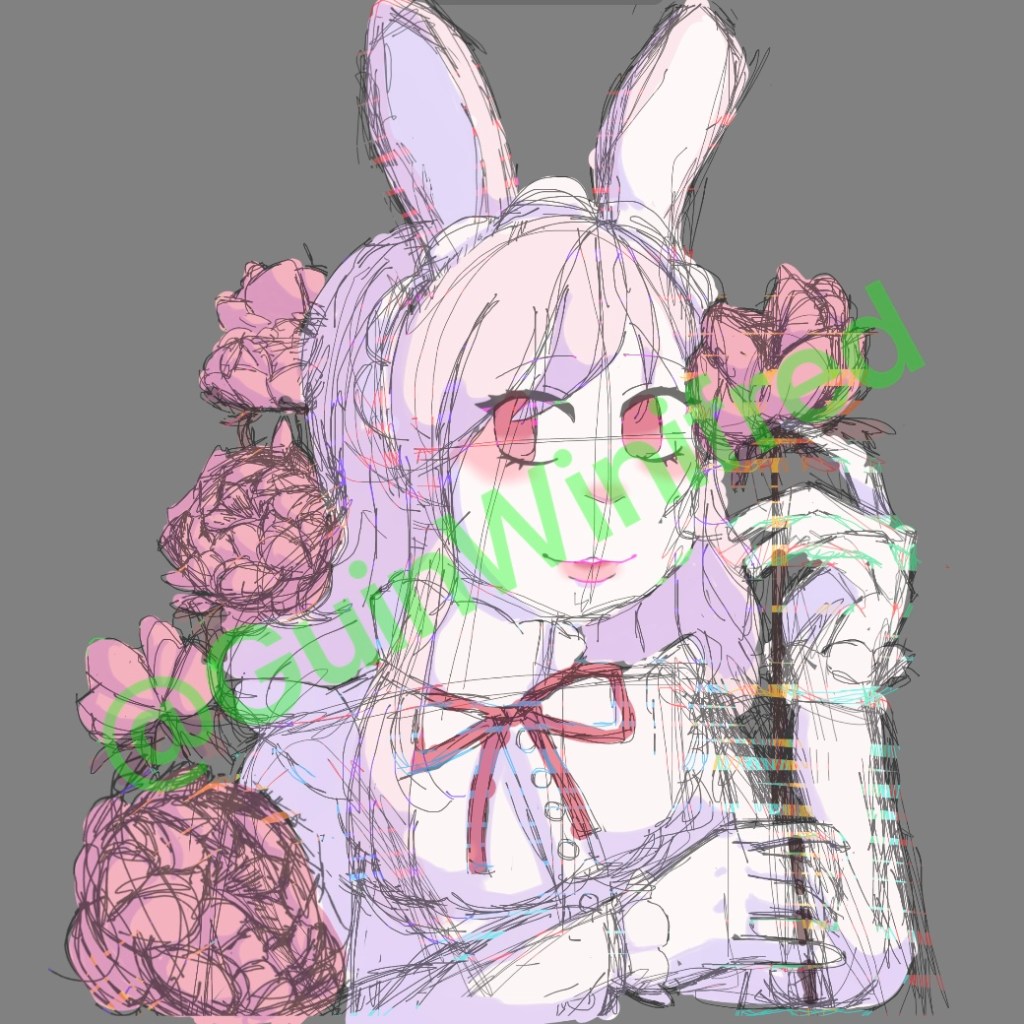
I lowered the opacity of the sketch to focus on the colours and shadows. The shadows were added in using purple on a multiply layer. I later redid this…
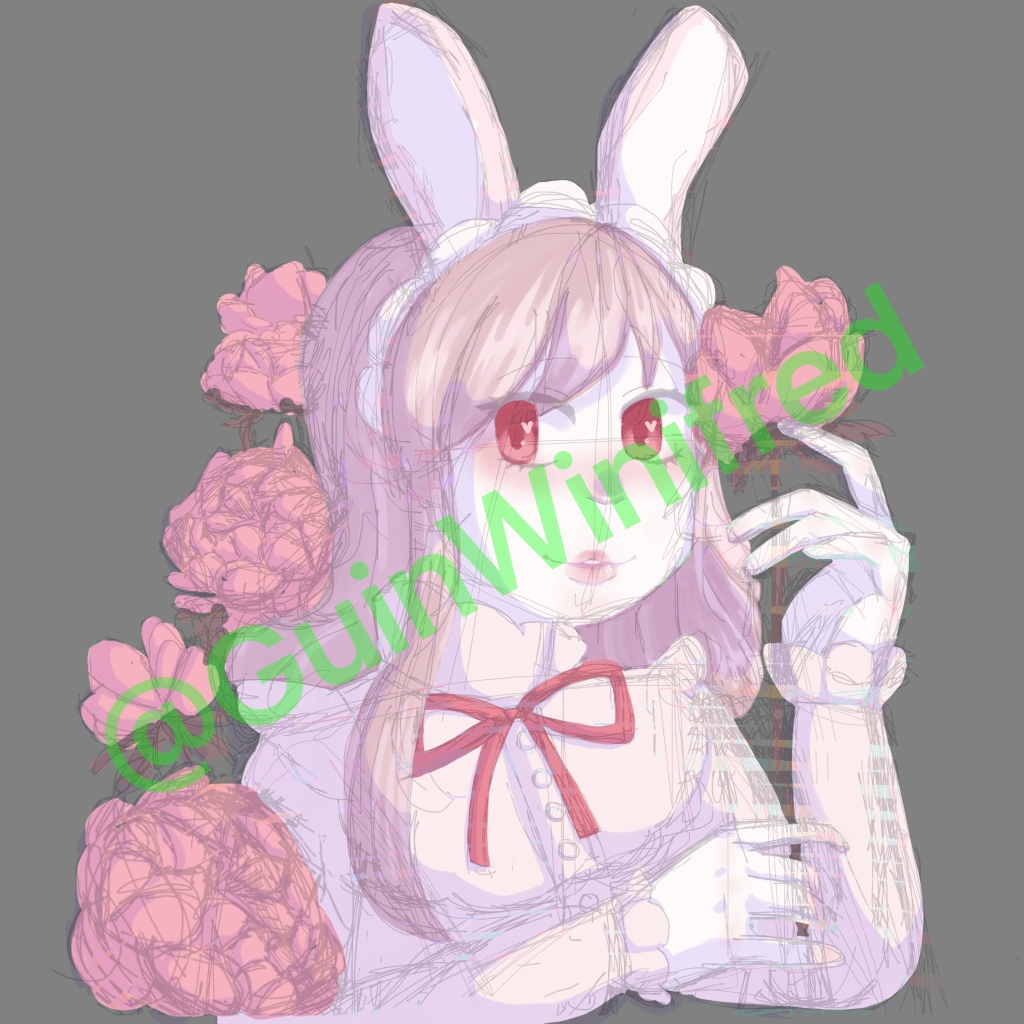
I tried a new way of adding highlights but I don’t really like how it turned out – so I redid this later. I also added the top lip of the mouth as it looked really strange without it. Whilst drawing this, I frequently scrapped and redid the shading and colouring because it never seemed to look right.
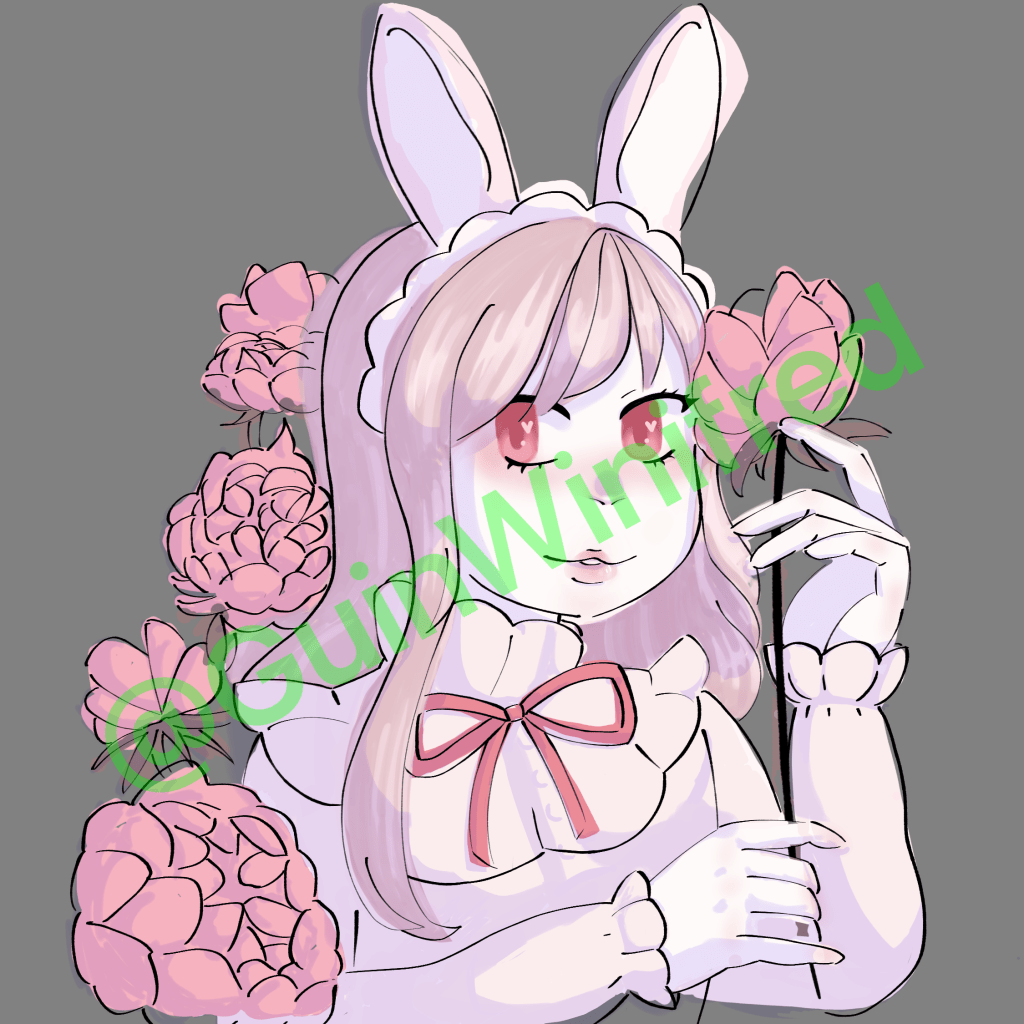
Tried out a new pen on IbisPaint for the lineart. This pen was really fun to use and I adore the line variation. Due to some parts of the lineart being drastically changed, I will need to redo the colours.
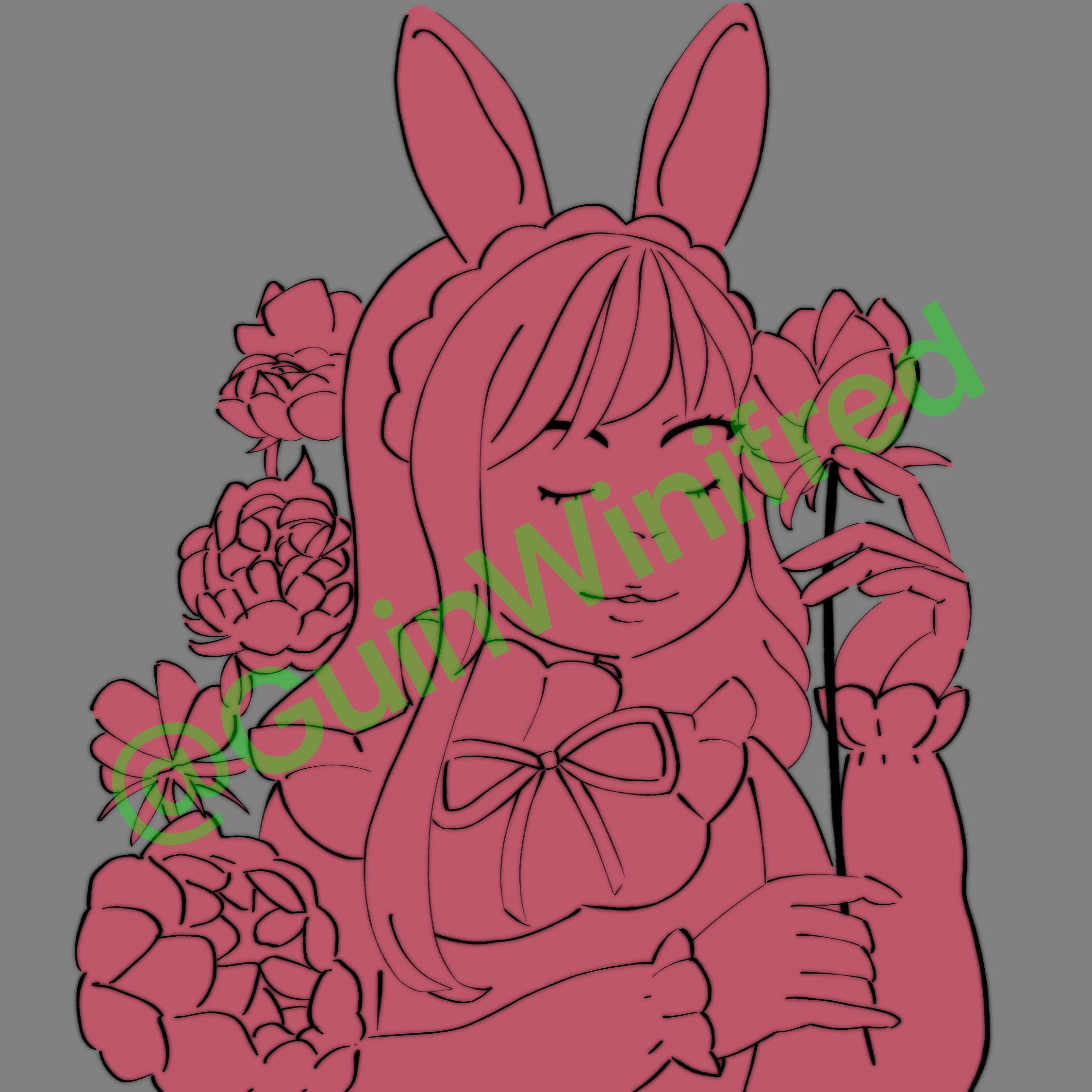
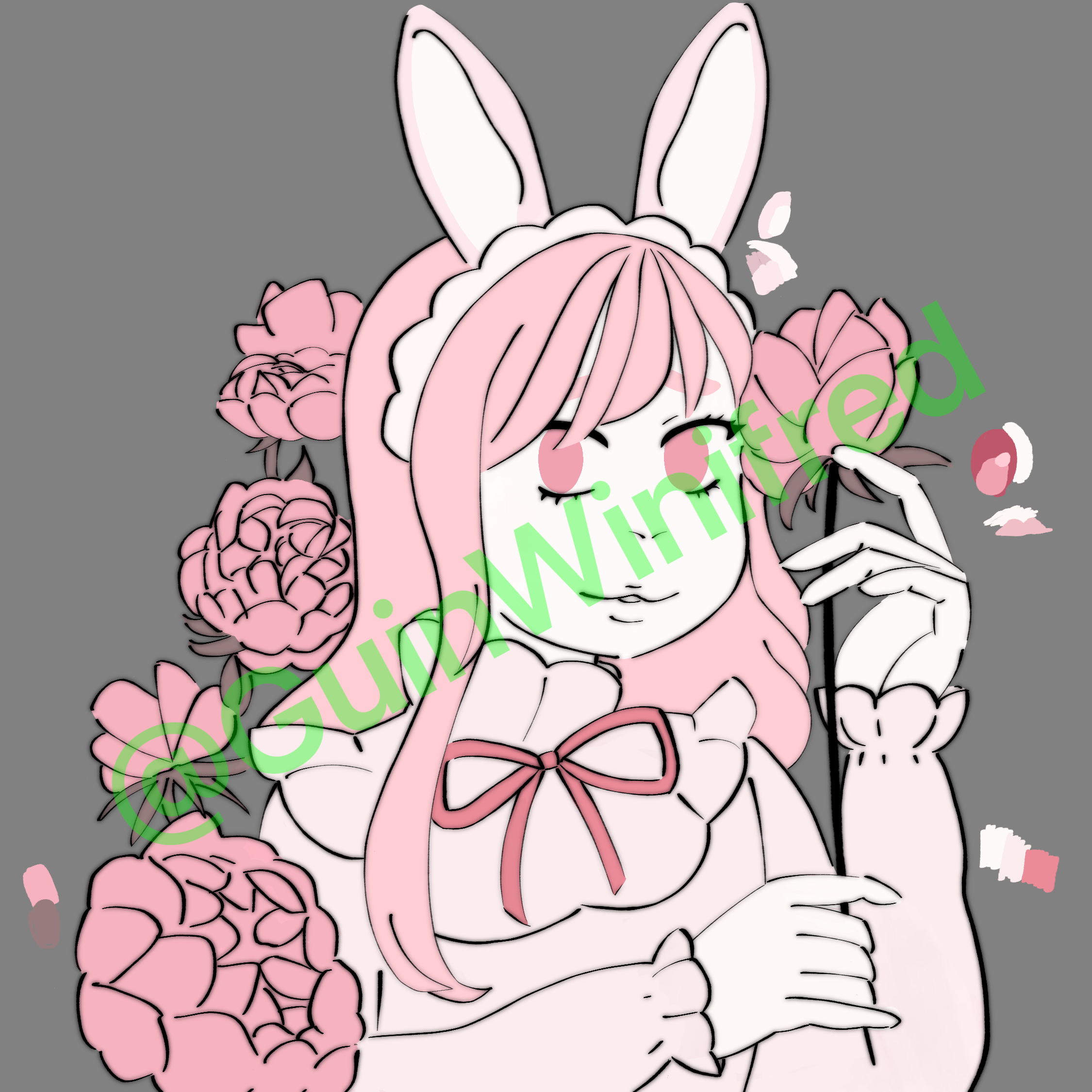
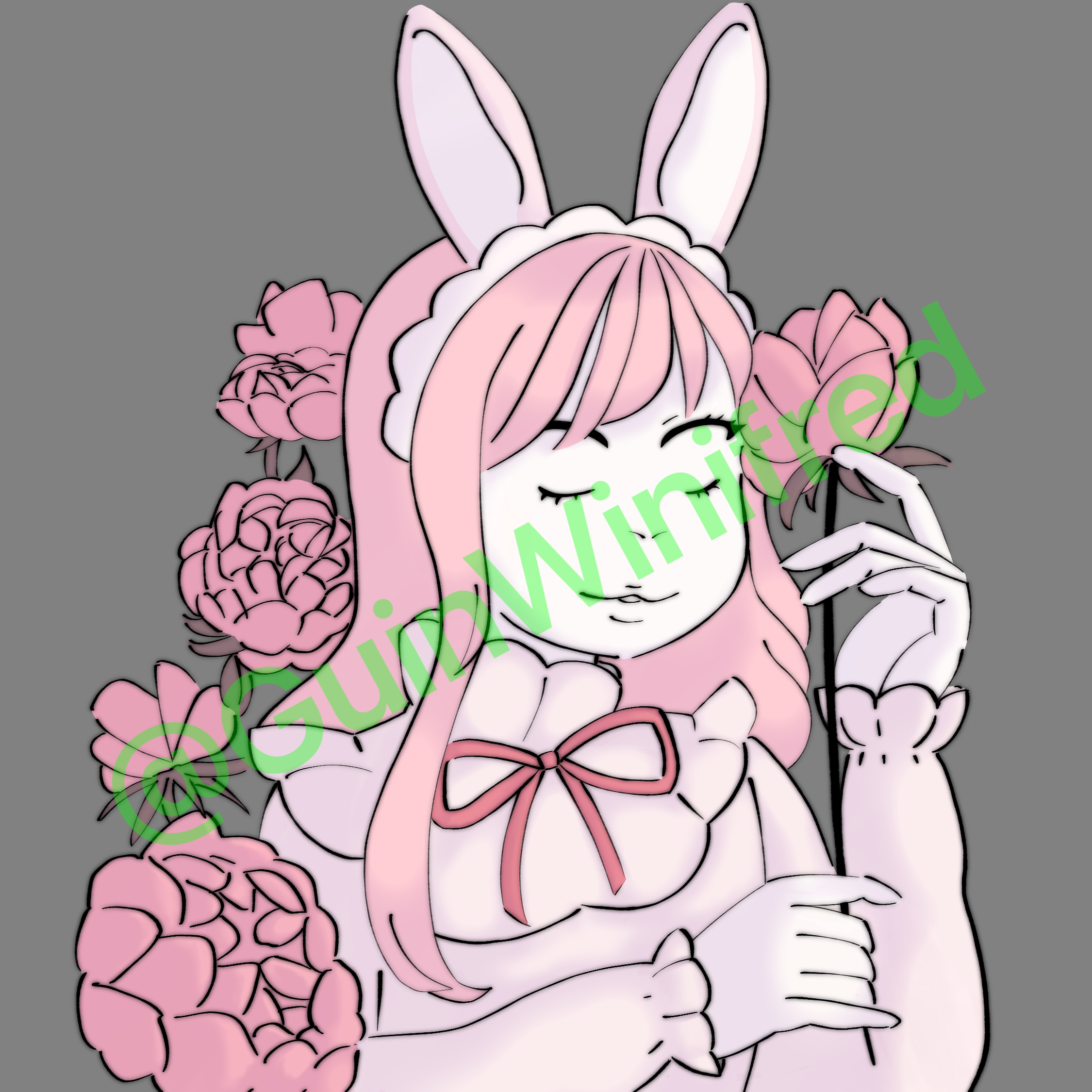
Before I redid the colouring, I created a base layer so I could use a clipping mask (which I used to mask marks that were made outside of the red). I put the base colours in again however I changed the colour of the hair so it contrasts with the shirt. Afterwards, I made a multiply layer that covered the whole the sketch and I then erased where the highlights would be. It turned out a whole lot better than the previous attempts of shading – I may use this for future work

Here’s the finished drawing!! For the finishing touches, I added eye details, blush and lipstick. I also added a second shadow layer to add more shadows. I also changed the lineart colour to a pinkish brown to soften it and more cutesy.
While this was longer than originally anticipated and I redid things many times, I really like how soft and adorable the outcome is! Although, I feel like I could’ve done better on the eyes as they’re a little uneven.

